Guide · My brand
My brand — your logo and colors, saved once
For anyone who already has a logo and wants it on every piece without uploading it each time.
The film was shot on an earlier frame of the app; the steps below are the page as it is today.
Step by step
- 1
Paste your website
Open My brand from the menu down the left (on a phone, the ☰ button top-left opens it). Type your web address and press “Pull the brand”. Restylez reads the page and finds the real logo files and the colors actually used on it. This is the fast way — nothing to hunt for on your computer.
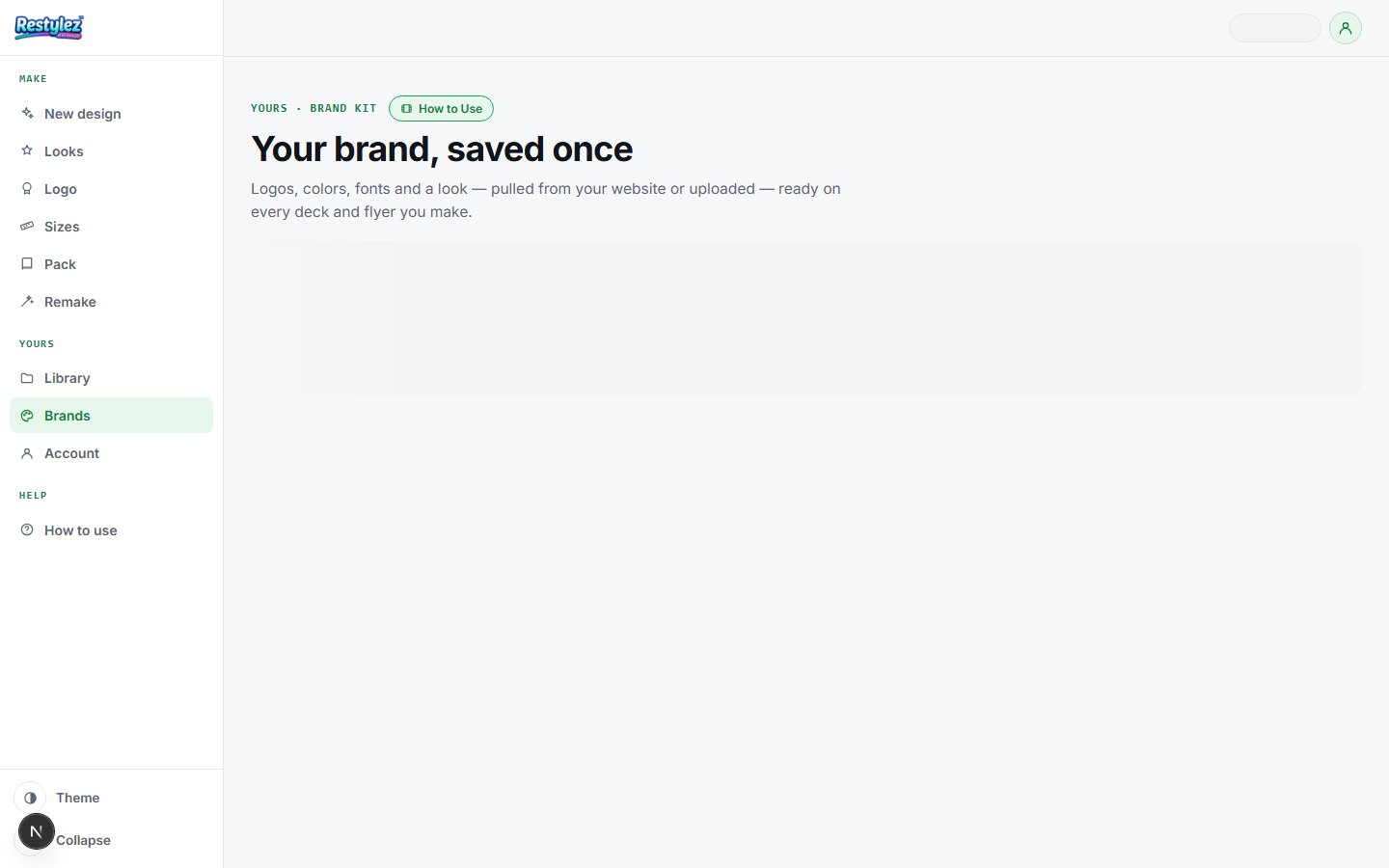
The whole screen · click to open full size - 2
Pick the logo it found
Every logo on the site comes back as a card, each with a badge saying how good the file is: Sharp (big enough for anything), Enlarged (usable, but it had to be scaled up) and Too small (it will look soft in print). Click the best one. Nothing here is drawn by AI — these are your real files.
- 3
Or upload the logo yourself
No website, or the one it found is too small? Use the upload box instead and give it the best file you have — a PNG with a transparent background is ideal. If the site did find logos you can switch back with “Use one from the site instead”.
- 4
Check the colors
The colors pulled off the site appear as swatches. Click one to change it, or press “+ color” to add another, up to six. These are what steer every design made in this brand, so it is worth getting them right once.
- 5
Add a brand look (optional)
Press “Choose a look” to attach one of the Looks styles to this brand. From then on, picking this brand in New design picks that look too — so a whole team makes pieces that match without anyone choosing a style.
- 6
Name it, tick it, save
Type the brand name, tick “This brand is mine to use” — it is required — and press “Save brand”. It is saved to your account, and appears as a card in the list below with its logo, colors and file grade. The star on a card makes it your default.
- 7
Use it anywhere
New design and Slide deck both have a brand picker. Choose your brand and the real logo file is placed on the piece — bottom-right, small, by code — and your colors steer the design. The logo is never redrawn, so it is always exactly your logo.
If something goes wrong
The messages the page can show, and what to do.
- “Add a logo and a name, and tick “mine to use”.”
- Save needs all three: a logo (picked from the site or uploaded), a name, and the ownership tick.
- “Couldn’t read that site.”
- The address was wrong, the site was down, or it blocks readers. Check the address and try again, or upload the logo yourself instead.
- “No logo found on that page.”
- Some sites draw their logo in a way a reader can’t pick out. Use the upload box and give it the file directly.
- “Too small”
- Not an error — a warning about the file. The logo on your site is low-resolution and will look soft when printed. Upload the original if you have it.
- “Could not reach the maker — try again.”
- Your connection dropped for a moment. Check you’re online and press the button again. A job that fails is never charged.
Other guides