Guide · My designs
My designs and Account
For everyone — where your work lives and where your balance is.
The film was shot on an earlier frame of the app; the steps below are the pages as they are today.
Step by step
- 1
The grid
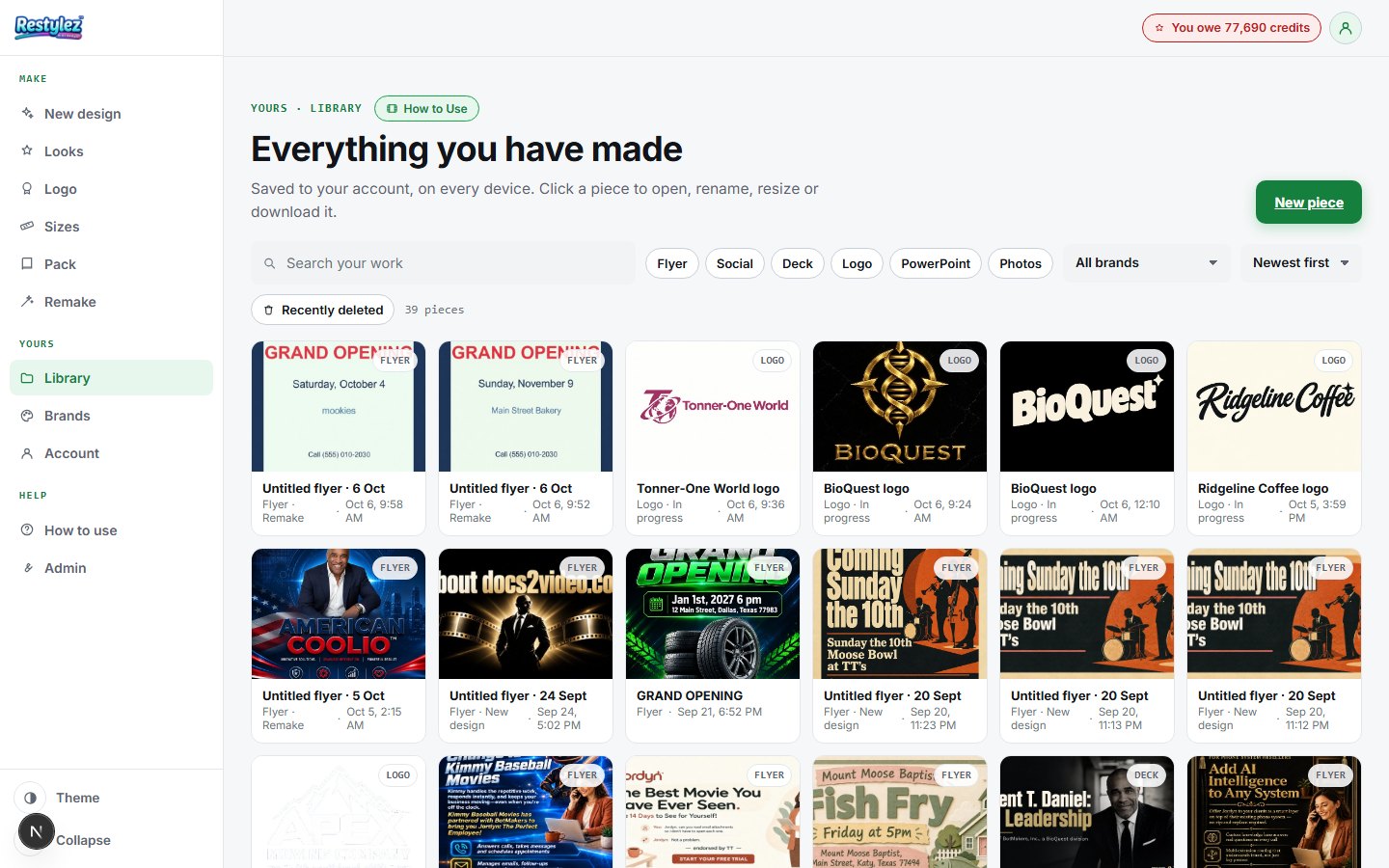
Open My designs from the menu down the left (on a phone, the ☰ button top-left opens it). Everything you have made — flyers, posts, decks, logos and photos — is a tile: the picture, its name and when it was made. Search by name, filter by type or brand, and sort, from the row above the grid; the address bar carries those filters, so a link to a filtered Library opens filtered. “New piece” at the top right opens New design.
The whole screen · click to open full size - 2
Open the inspector
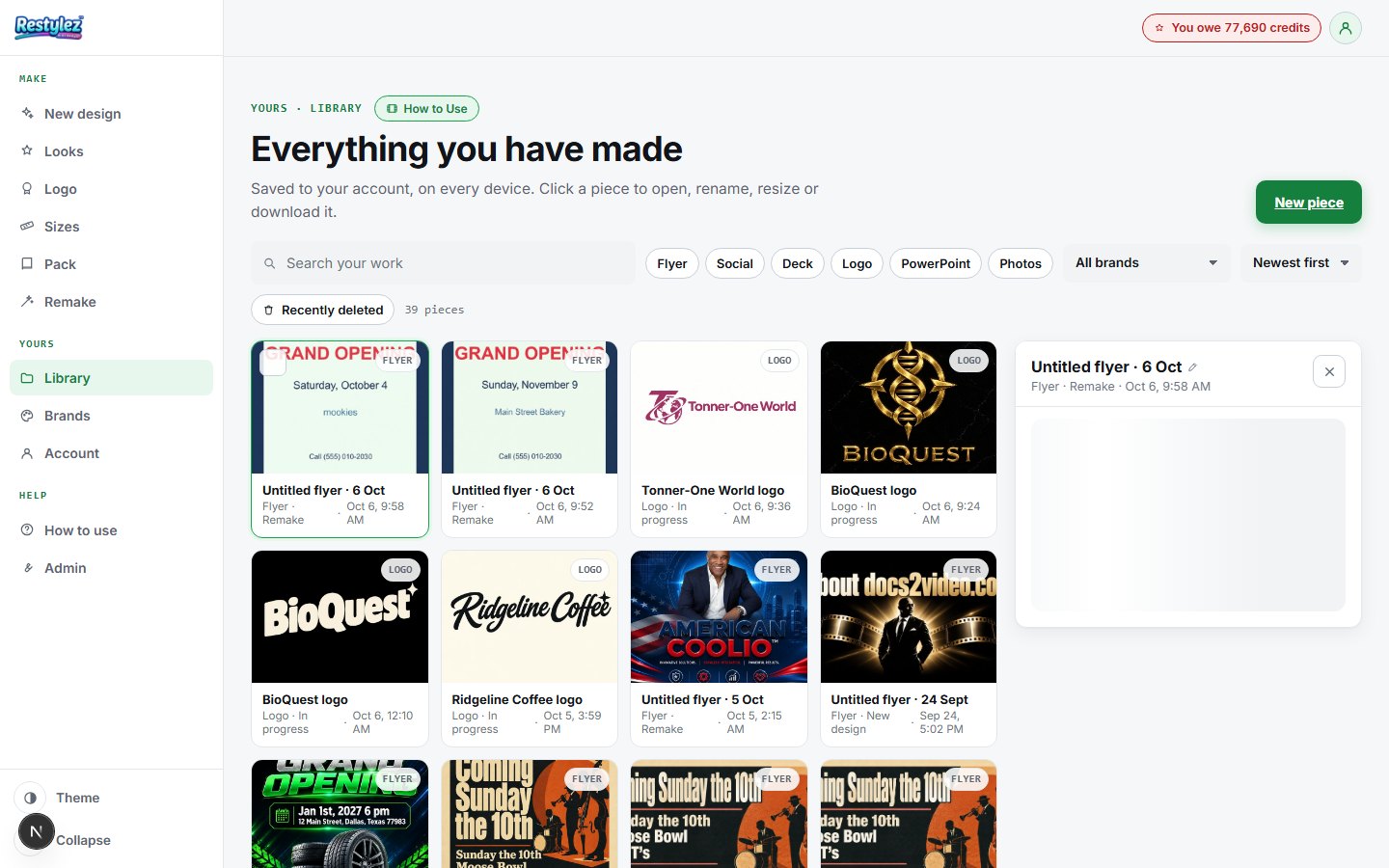
Press a tile and it opens large at the side (a sheet from the bottom on a phone) with everything you can do to it: Open (the Editor for a design, the deck or logo maker for those), Resize on the Sizes page, Download — a PNG, a PDF of a deck, the .pptx, or a ZIP of a logo kit — Duplicate, and Delete. A deck shows its pages; a logo its rounds and the kit files.
The whole screen · click to open full size - 3
Rename and duplicate
Press the name at the top of the inspector to rename it — a name must not be empty, and it is kept on your account. Duplicate makes a full copy on the server, titled “Copy of …”, and the note tells you where it landed: at the top of the Library when you are sorted newest first.
- 4
Delete, undo, and Recently deleted
Delete sends a piece to the bin and offers Undo for ten seconds. Tick tiles to select several and delete them in one go. Missed the undo? “Recently deleted” above the grid lists what is in the bin with a Restore button on each; the bin is emptied after thirty days. On an account whose database has no bin yet the page says so and offers no undo, rather than a button that cannot do what it says.
- 5
Account · your plan and your balance
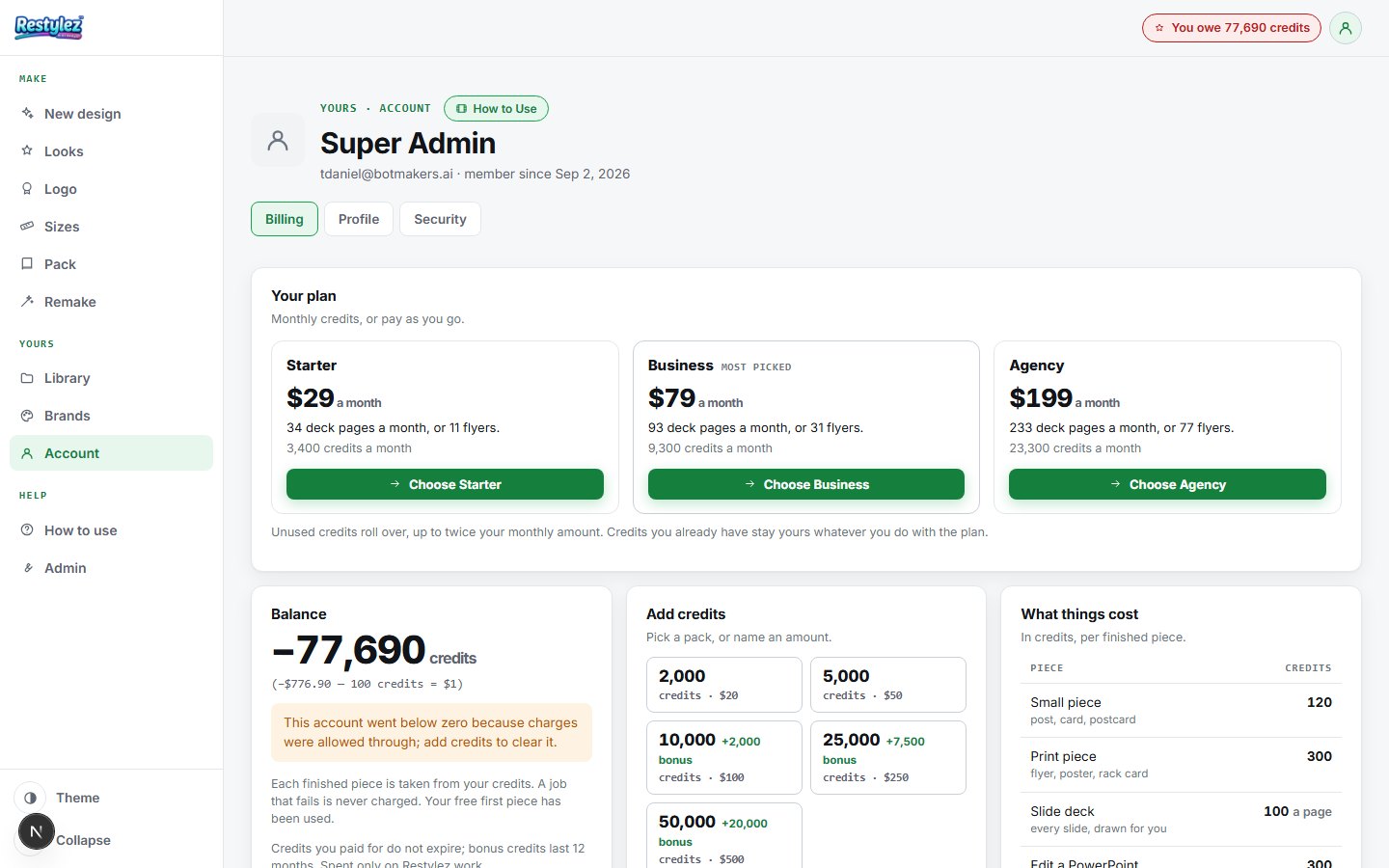
Open Account from the menu down the left (on a phone, the ☰ button top-left opens it). It opens with Your plan. On Free you see the three monthly plans — Creator $19/month, Pro $49/month, Business $99/month — and “Choose” pays for one right on the page. On a plan you see what you have used this month against what it includes, with “Change plan” and “Cancel” (both ask first). Below it is your balance, written in credits (a hundred credits to the dollar, with the dollars once in brackets), and whether your free first piece is still unused. A balance below zero says why and what clears it.
The whole screen · click to open full size - 6
Account · credit packs, prices and history
Add credits buys a one-off pack — each button says how many credits it is and what it costs, with any bonus credits on top; “Other” takes any amount from ten dollars up. Checkout is by Stripe, and the balance refreshes by itself when you come back. What things cost is the live price list, in credits only, and is what you are actually charged. History shows every credit in and out with the balance after each row, and exports as a CSV. The Profile and Security tabs hold your picture, name, password and “sign out everywhere”.
If something goes wrong
The messages the page can show, and what to do.
- “Nothing here yet”
- Your account has no designs yet. Make your first piece and it appears here the moment it’s done.
- “Nothing matches”
- The search, the type pills or the brand filter rule everything out. Press “Clear filters” and the grid comes back.
- “We could not open your Library”
- The account did not answer. Press Retry; if it keeps failing, check your connection — nothing you made has gone anywhere. If you were signed out, sign in and come back.
- “Give it a name.”
- A rename was left empty. Type a name, or press Escape to keep the old one.
- “The smallest pack is $10.”
- Type 10 or more in the “Other” box, or press one of the pack buttons.
- “No charge — that was canceled.”
- You backed out of checkout. Nothing was taken. Press a pack again when you’re ready.
- “Could not reach checkout — try again.”
- Stripe didn’t answer. Check your connection and press the button again.
- “Password needs at least 8 characters. / The two passwords don’t match.”
- Type a longer password, and type it the same way in both boxes.
Other guides