
 Preview · free

 All guides
Remake a design
For anyone with a flyer, poster or template they bought or made, who wants it to say something new.
Open New Remake- 1Drop or paste the design
Add the image you want changed — a JPG, PNG or screenshot. Drag it in, click to browse, or press Ctrl+V with it on your clipboard. Restylez keeps its style exactly as it is and changes only what you tell it below.
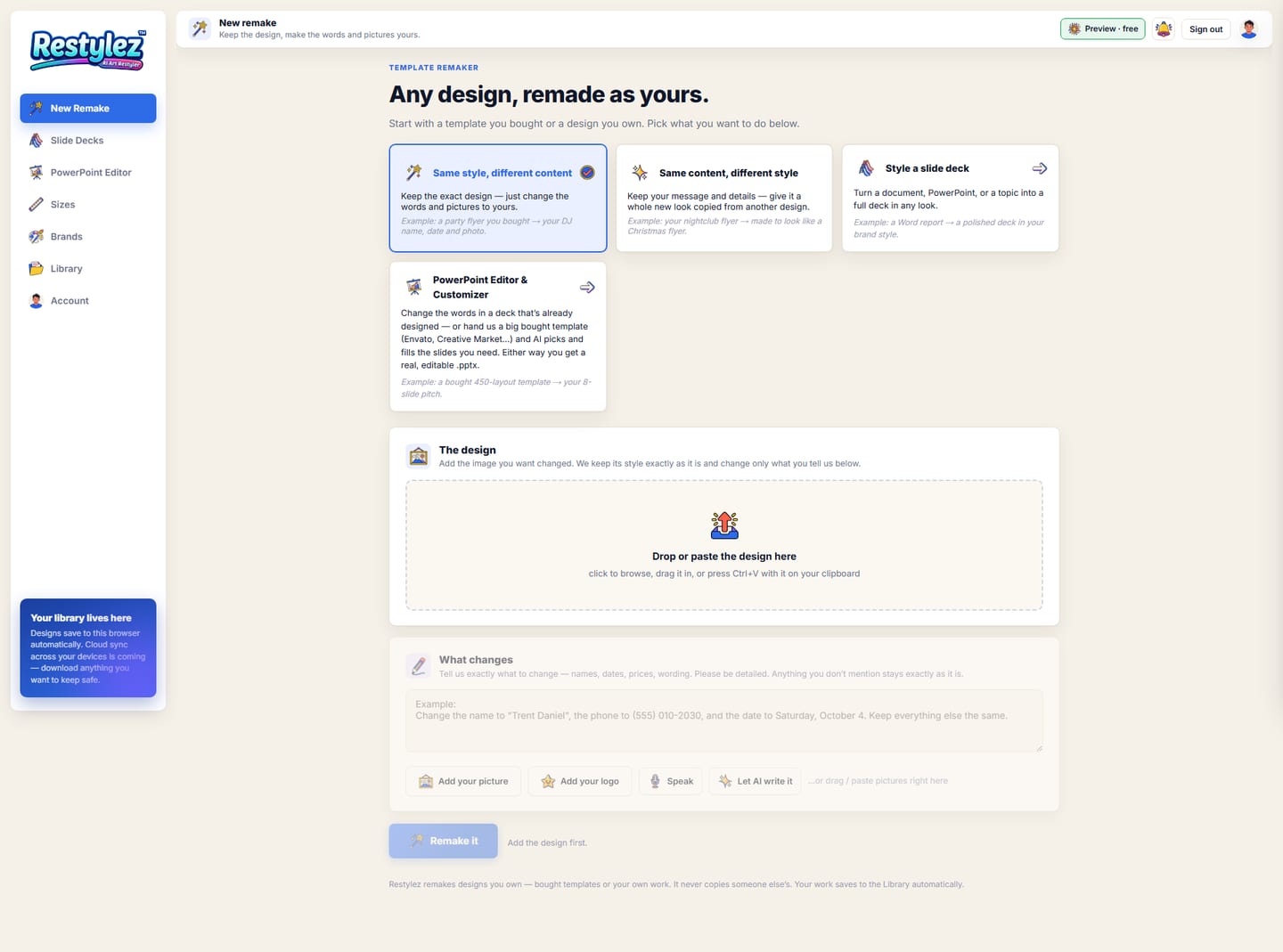
The whole screen · click to open full size 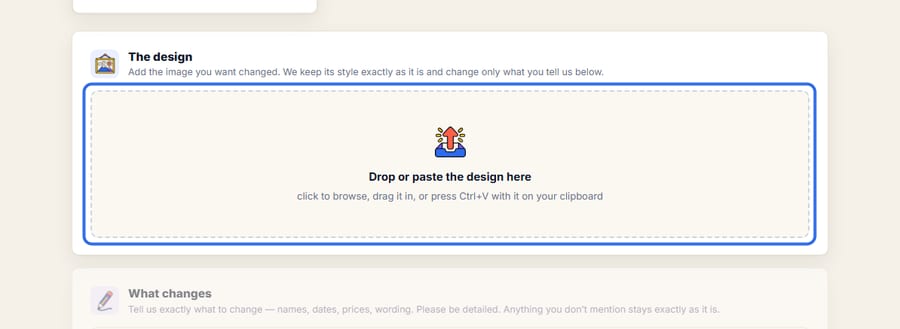
Close-up — the part to look at - 2Tick “This design is mine to use”
This box is required every time. Restylez only remakes designs you own — a template you bought or got free within its license, or your own work.
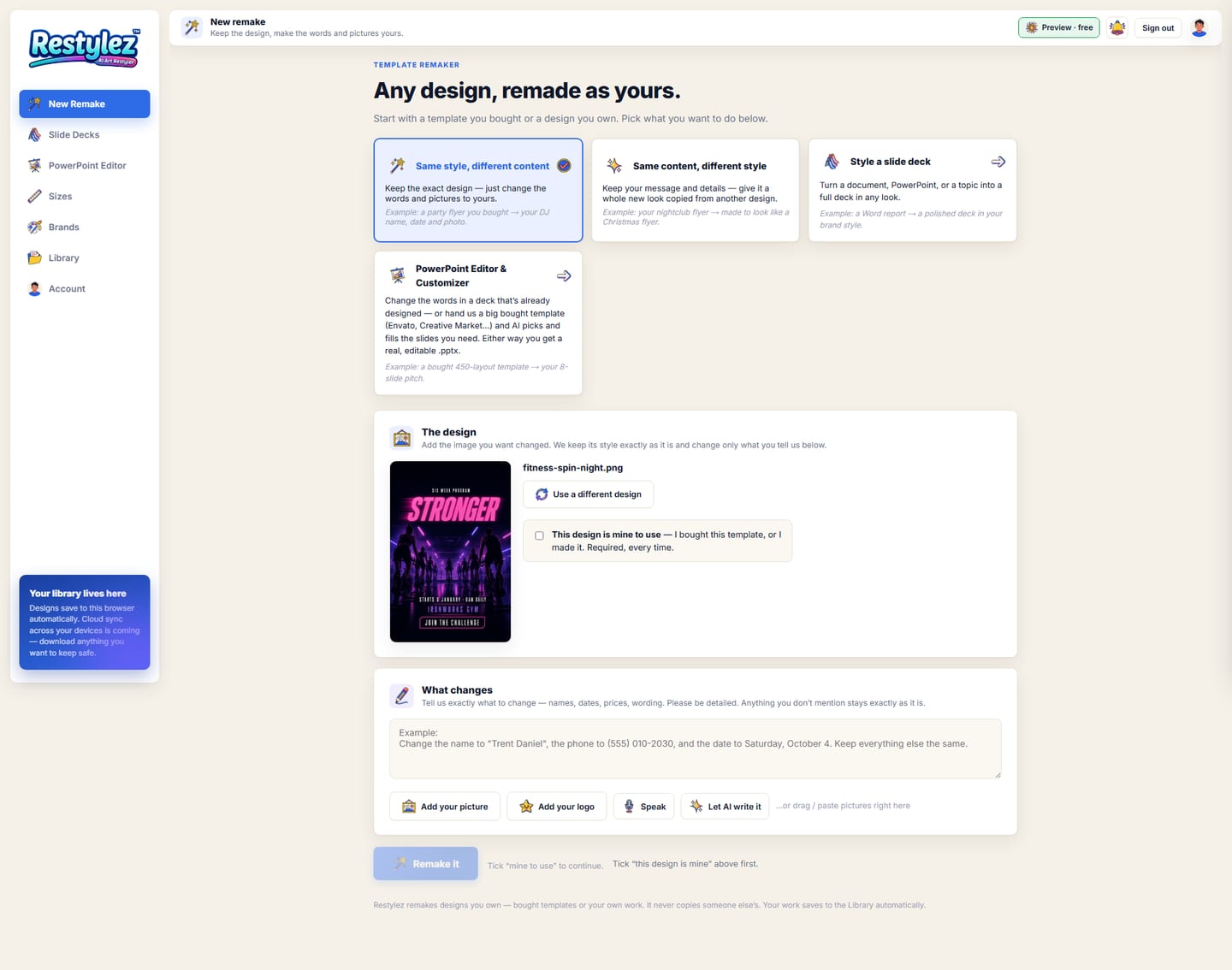
The whole screen · click to open full size 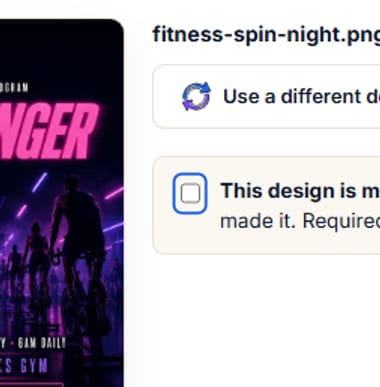
Close-up — the part to look at - 3Say exactly what to change
Names, dates, prices, wording — be detailed. Anything you don’t mention stays exactly as it is. You can type, press Speak, let AI write it, and add your own picture or logo with the buttons under the box.
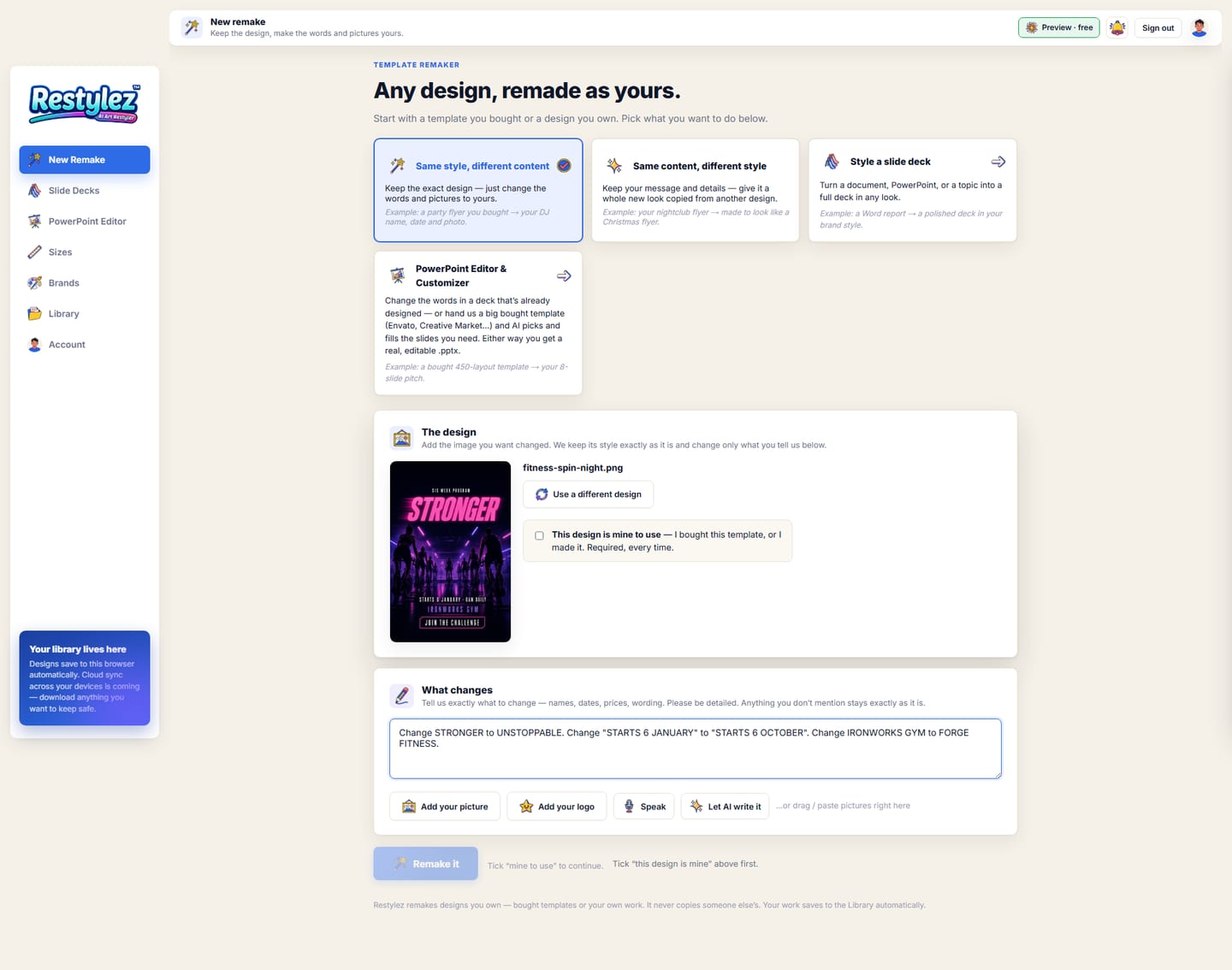
The whole screen · click to open full size 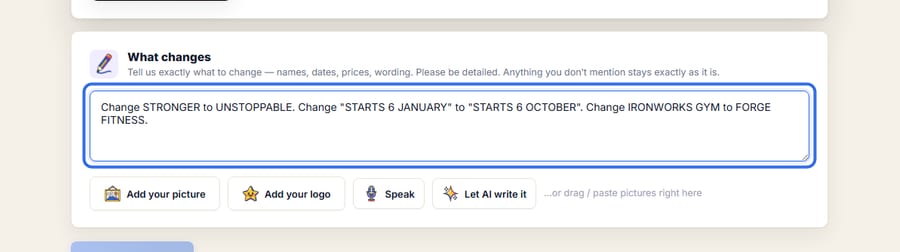
Close-up — the part to look at - 4Press “Remake it”
The button turns blue once the design is in and the box is ticked. A “making” screen shows while it works — about a minute.
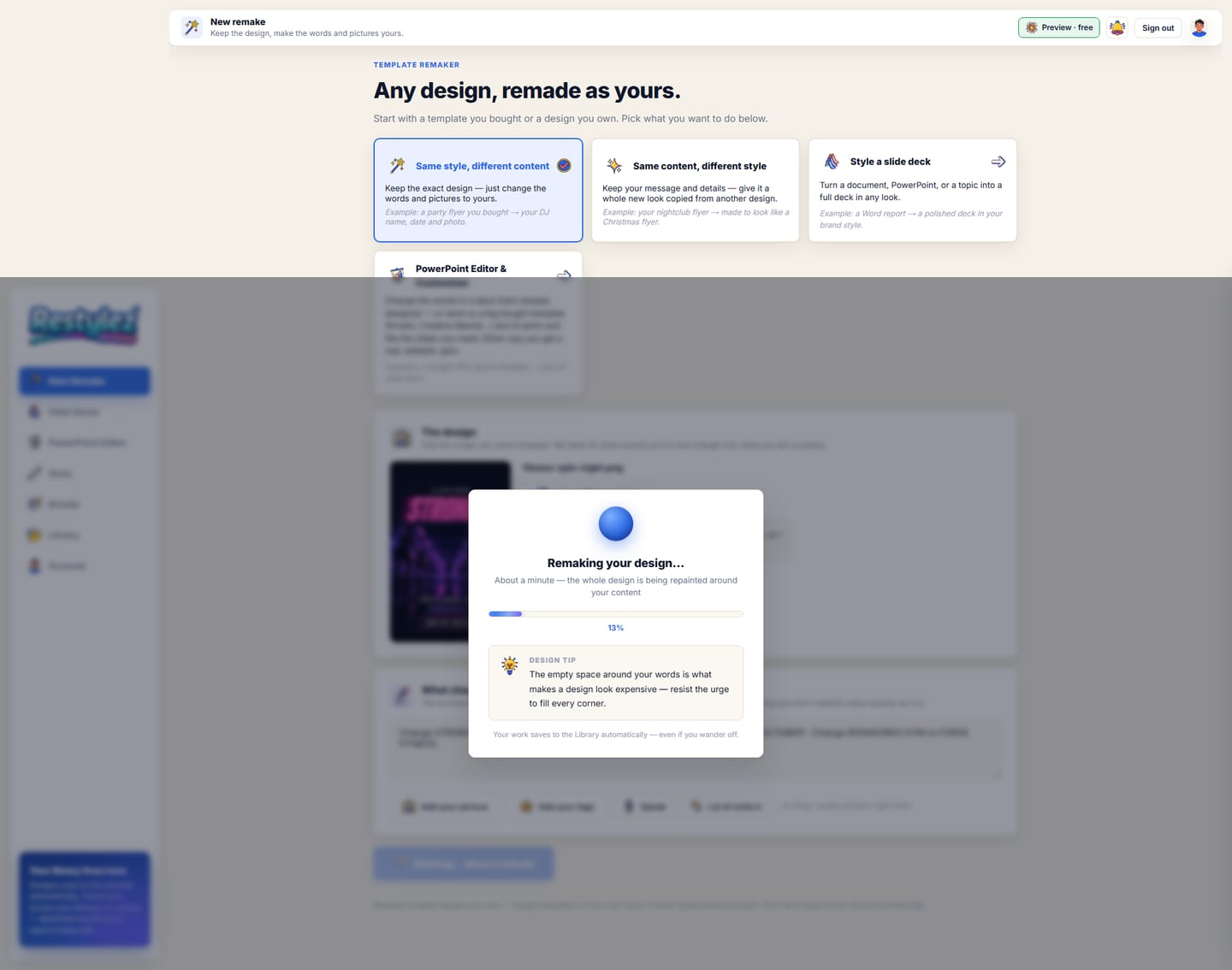
The whole screen · click to open full size 
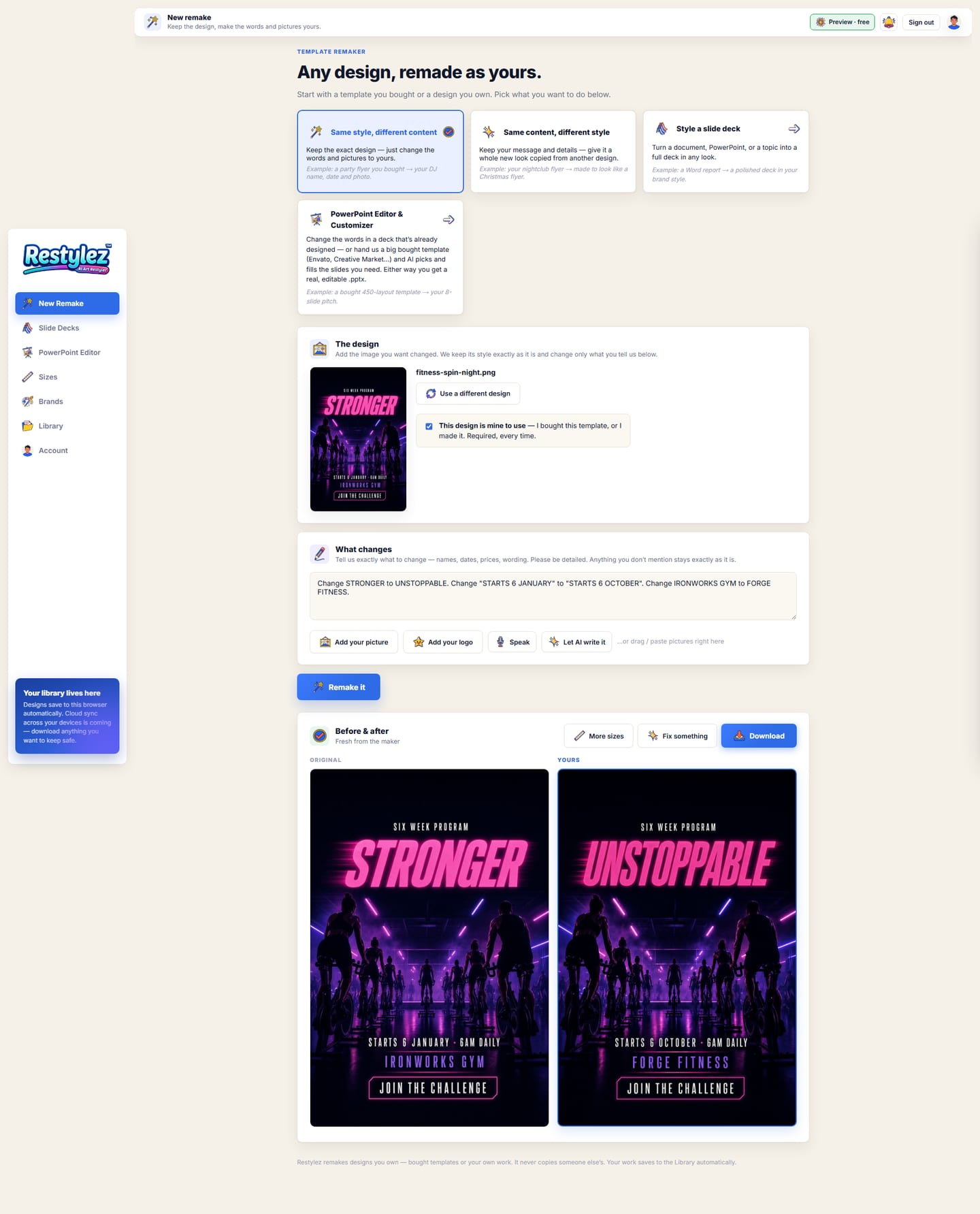
Close-up — the part to look at - 5Check the before and after
Your original sits on the left and the remake on the right, so you can compare every line. Press Download to save the PNG.
The whole screen · click to open full size 
Close-up — the part to look at - 6Fix a detail, or make more sizes
Not quite right? Press “Fix something” and say what’s wrong — only that changes, nothing else moves. “More sizes” takes the finished piece to the Sizes tool.
The whole screen · click to open full size 
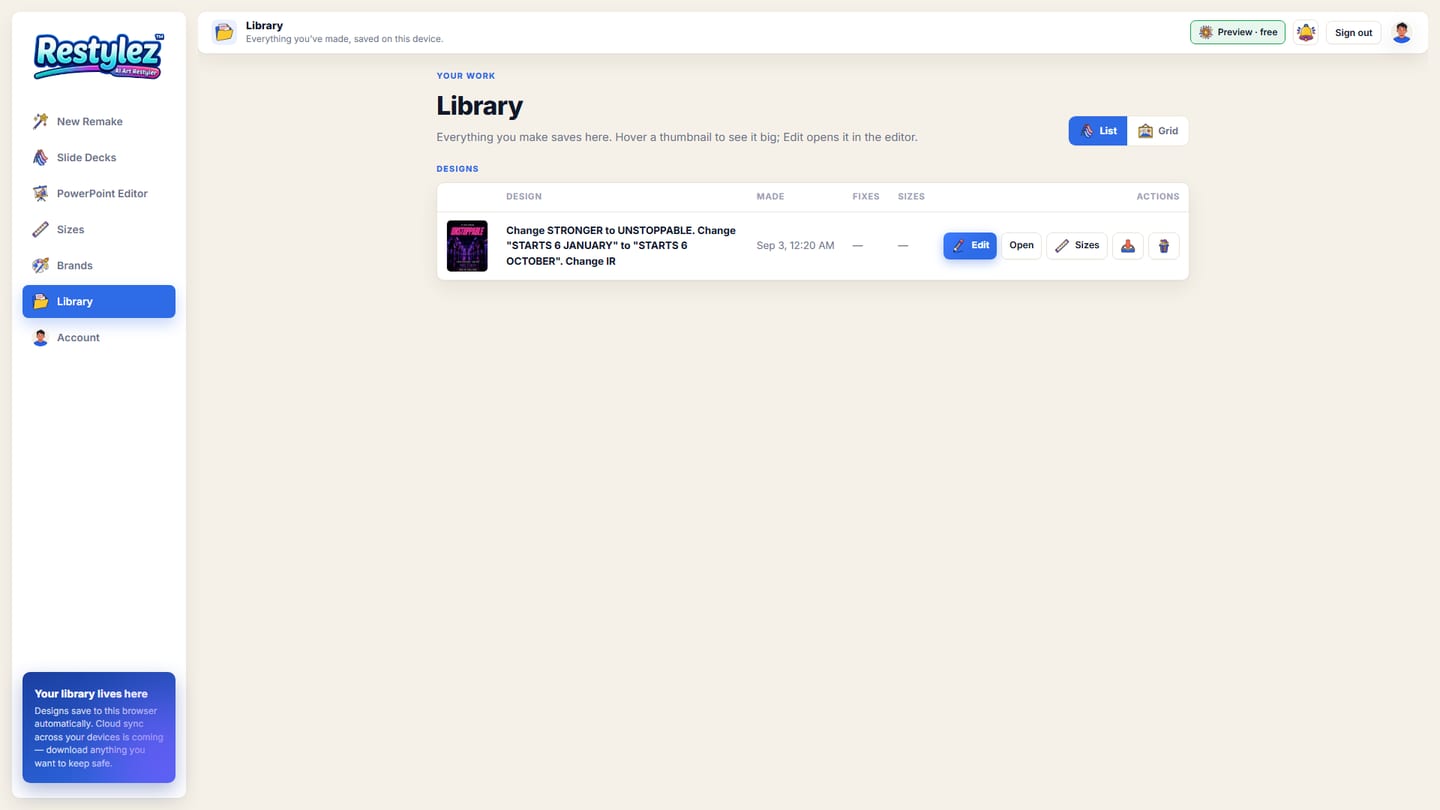
Close-up — the part to look at - 7Find it in your Library
Every remake saves to the Library on this device automatically, with its fix rounds and sizes. Open it any time to edit, resize or download again.
The whole screen · click to open full size 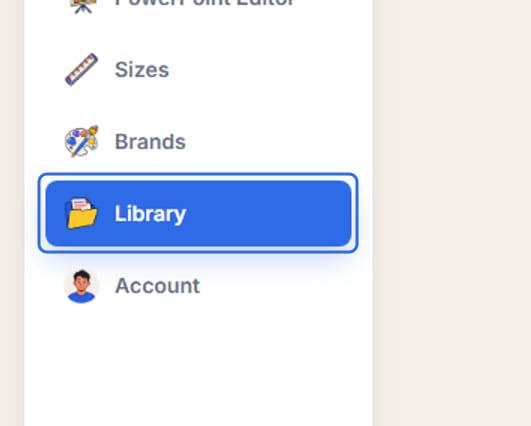
Close-up — the part to look at

- Two modes at the top of the page: “Same style, different content” keeps the design and changes the words; “Same content, different style” keeps your words and copies the look of a second design you add.
- Be specific. “Change the date to Saturday, October 4 and the name to Trent Daniel” works better than “update the details”.
- The first three fix rounds on a piece are free; after that a round costs $3. Each round starts from the version you’re looking at.
- A print piece (flyer, poster, rack card) costs $10; a small piece (post, card, postcard) costs $6. While the offer is on (your Account page says so), your first print piece is free.
- Photos and logos you add are placed, never redrawn — the real file goes into the design.
The messages the page can show, and what to do.
- “Upload a JPG, PNG or screenshot of the design.”
- The file wasn’t an image. Save the design as a JPG or PNG (or take a screenshot of it) and try again. PDFs and PowerPoints go in the Slide Decks or PowerPoint tools instead.
- “Tell me what to change — new words, or add your pictures.”
- The “What changes” box is empty. Type at least one change, or add a picture.
- “Tick “this design is mine” above first.”
- The ownership box isn’t ticked. Restylez won’t start without it.
- “Add the look you want to copy — a second design.”
- You’re in “Same content, different style” mode, which needs a second design whose look to borrow. Add it, or switch to the first mode.
- “The remake failed — try again.”
- The maker hit a snag on this run. Press “Remake it” again — nothing was charged for the failed try. If it keeps failing, use a clearer, larger image.
- “That fix failed — say it a different way and try again.”
- The instruction was too vague for the maker to act on. Name the thing and the change: “make the phone number bigger”, “move the logo to the top left”.
- “These sizes couldn’t be made (you can try them again): …”
- One or more extra sizes failed while the rest came through. Tick just those sizes and press the button again — only sizes that finish are charged.
- “Could not reach the maker — try again.”
- Your connection dropped for a moment. Check you’re online and press the button again. A job that fails is never charged.
- “You’re out of credits. Add some to keep going.”
- Your balance can’t cover this piece. Add credits on the Account page — your work carries on from where you left off. Nothing was charged.