
 Preview · free

 All guides
Thumbnails and post images
For anyone posting to Facebook, Instagram, X, LinkedIn or YouTube who wants the picture to earn the click.
Open Thumbnails- 1Say what the post is about
Station 1 is one box: one or two sentences about the post. A link to your own page works too — Restylez reads the page and writes from what is really on it. You can press Speak instead of typing. None of this goes on the picture as words; it is only context for the headline.
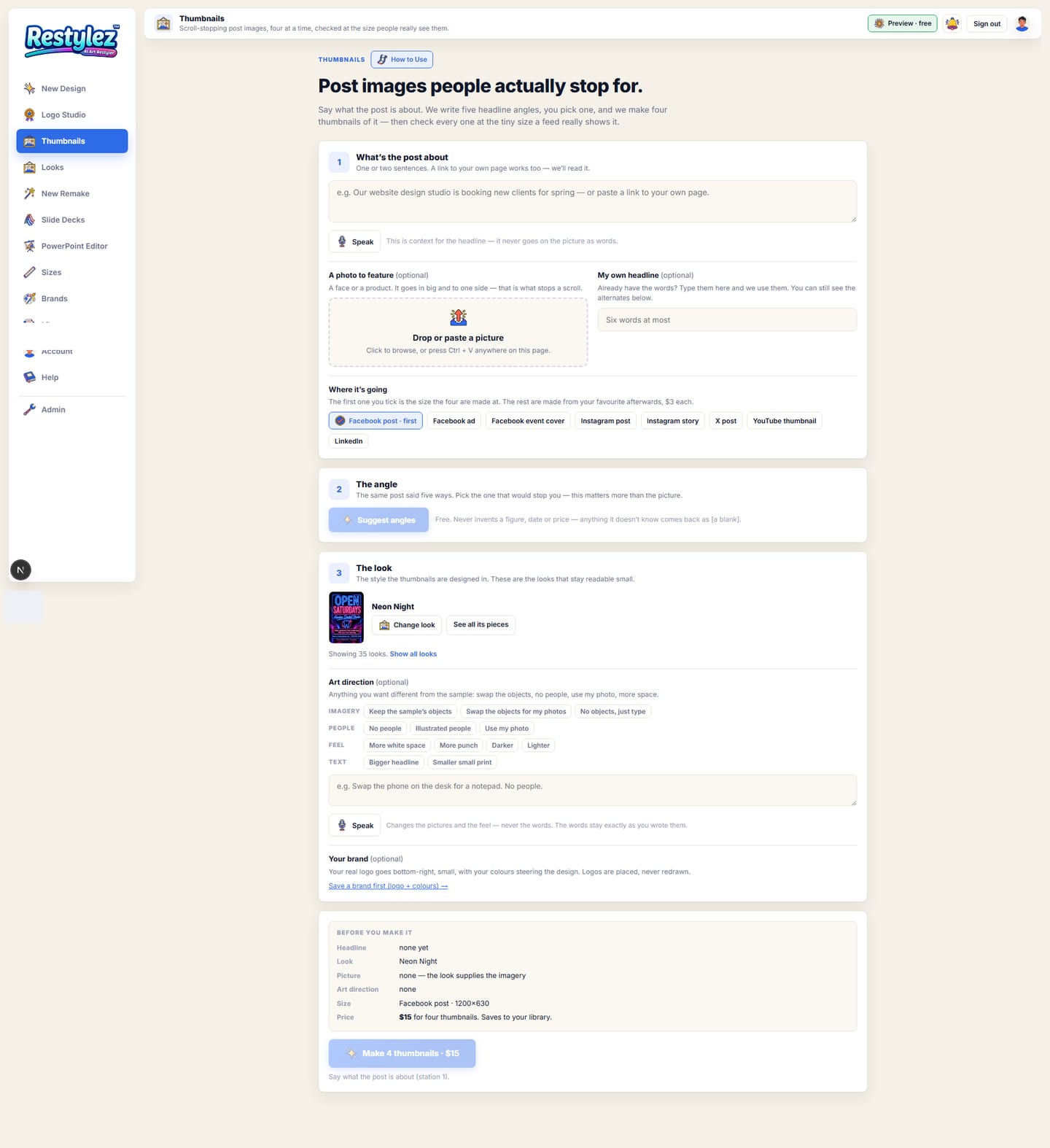
The whole screen · click to open full size 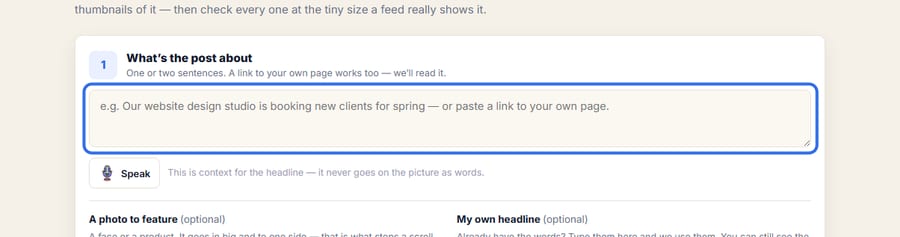
Close-up — the part to look at - 2Add a photo and pick where it is going
Underneath, two optional things: a photo to feature (drop it, browse, or press Ctrl+V with it on your clipboard) and your own headline if you already have one. Then tick the platforms — Facebook post, Facebook ad, Facebook event cover, Instagram post, Instagram story, X post, YouTube thumbnail, LinkedIn. The first one you tick is the size the four are made at.
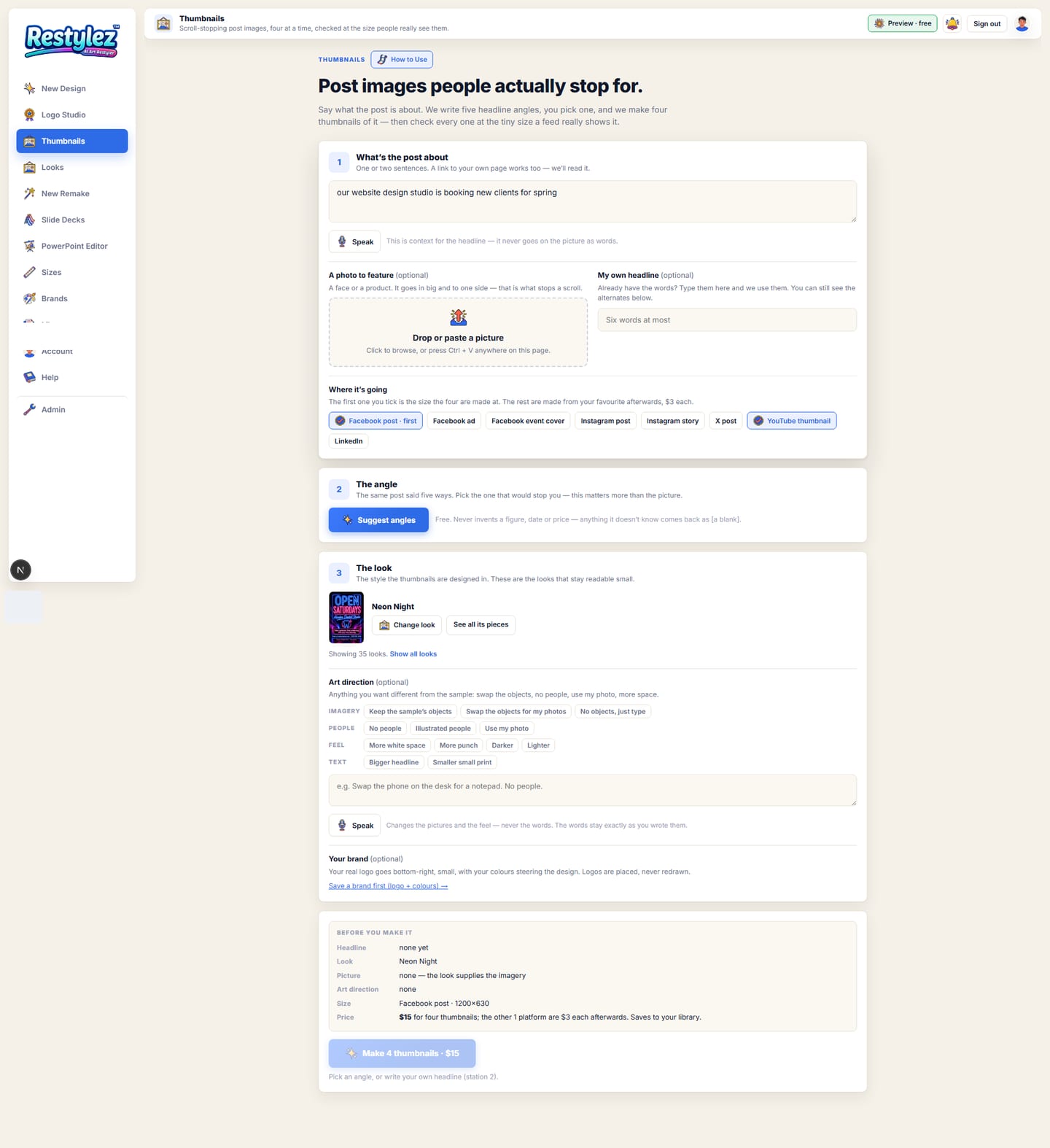
The whole screen · click to open full size 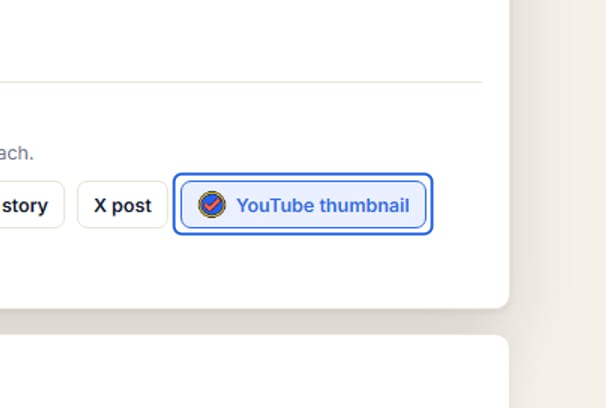
Close-up — the part to look at - 3Press “Suggest angles”
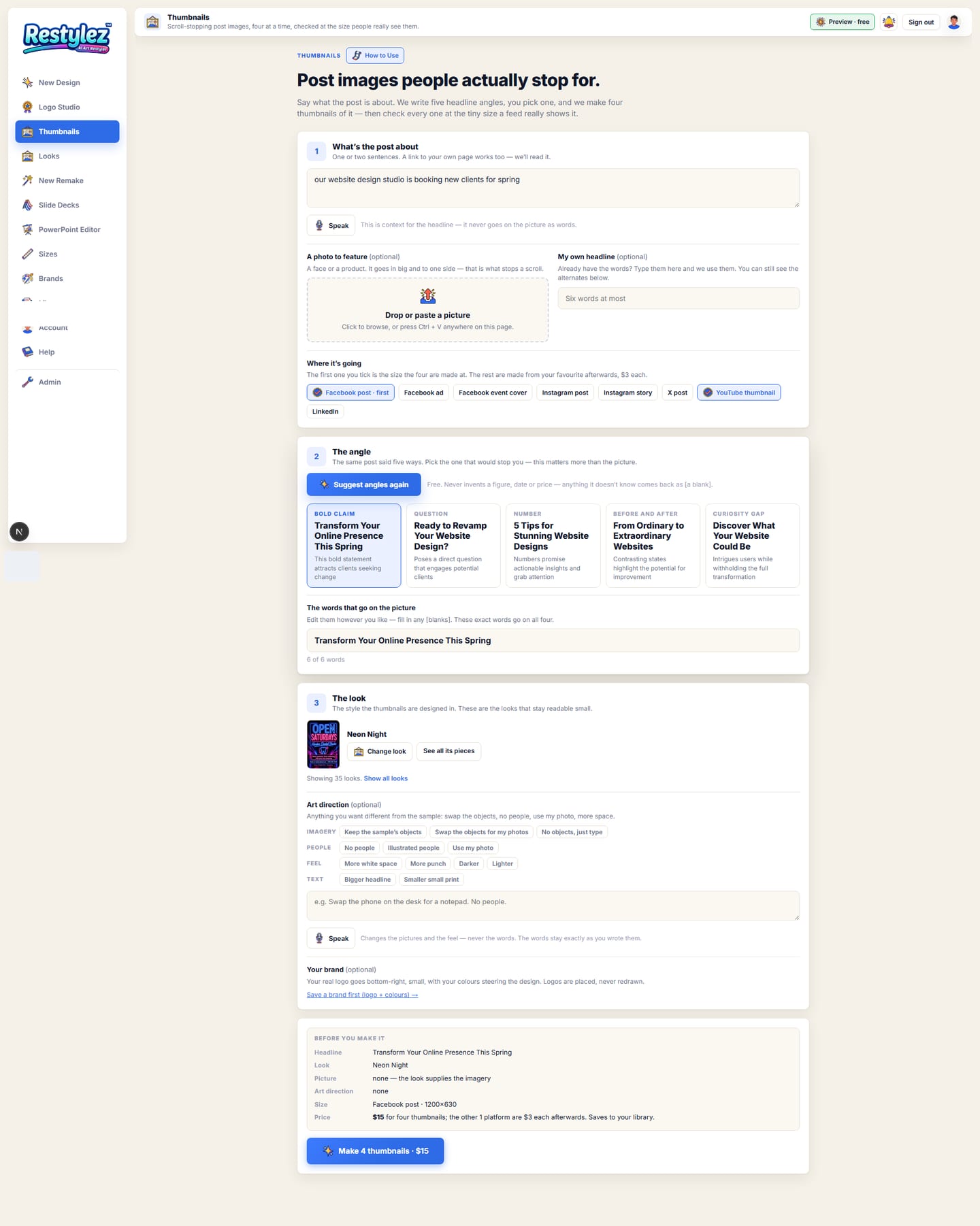
Station 2 is the real value. Restylez writes five headlines for the same post — a bold claim, a question, a number, a before-and-after and a curiosity gap — with one line under each saying why that angle works. This is free and takes a few seconds. It never invents a figure, a date or a price: anything it does not know comes back as [a blank] for you to fill in.
The whole screen · click to open full size 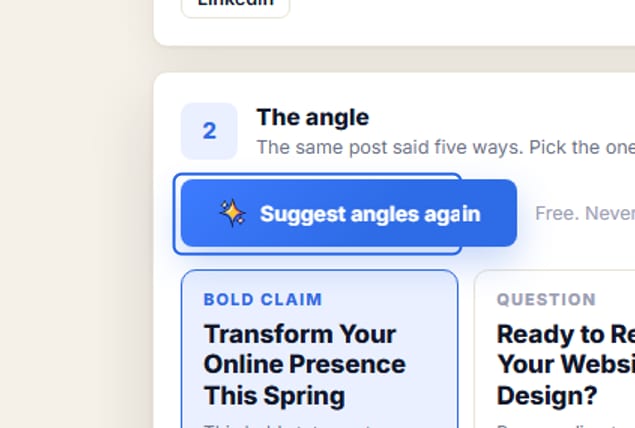
Close-up — the part to look at - 4Pick an angle and edit the words
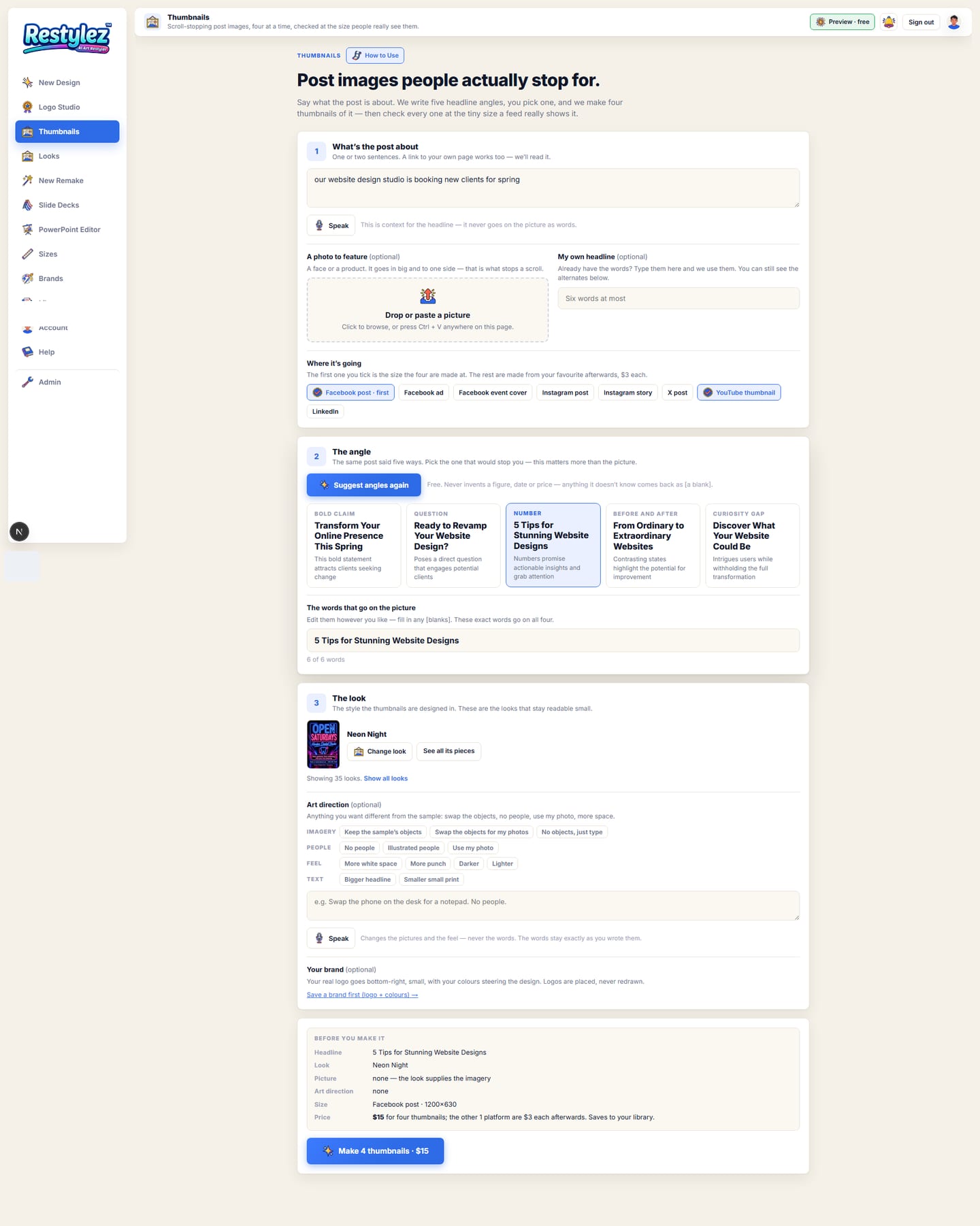
Click the card you like. Its headline drops into a box under the cards, where you can change any word and fill in any blanks. A thumbnail holds six words at most, and the counter under the box tells you where you are. These exact words go on all four.
The whole screen · click to open full size 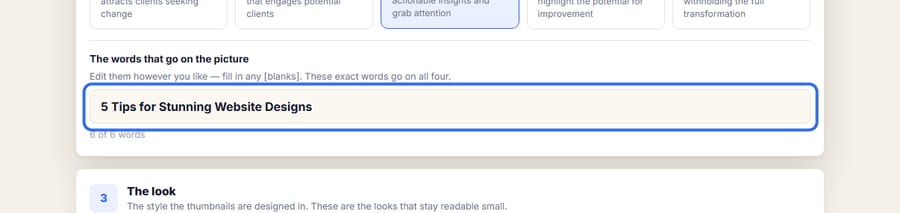
Close-up — the part to look at - 5Pick a look
Station 3 is the look. The picker shows only the looks that stay readable small — open, high-contrast styles. “Show all looks” opens the full library if you want something else. Under it are the art direction box (how the pictures and feel should differ from the sample) and your saved brand, whose real logo goes bottom-right, small.
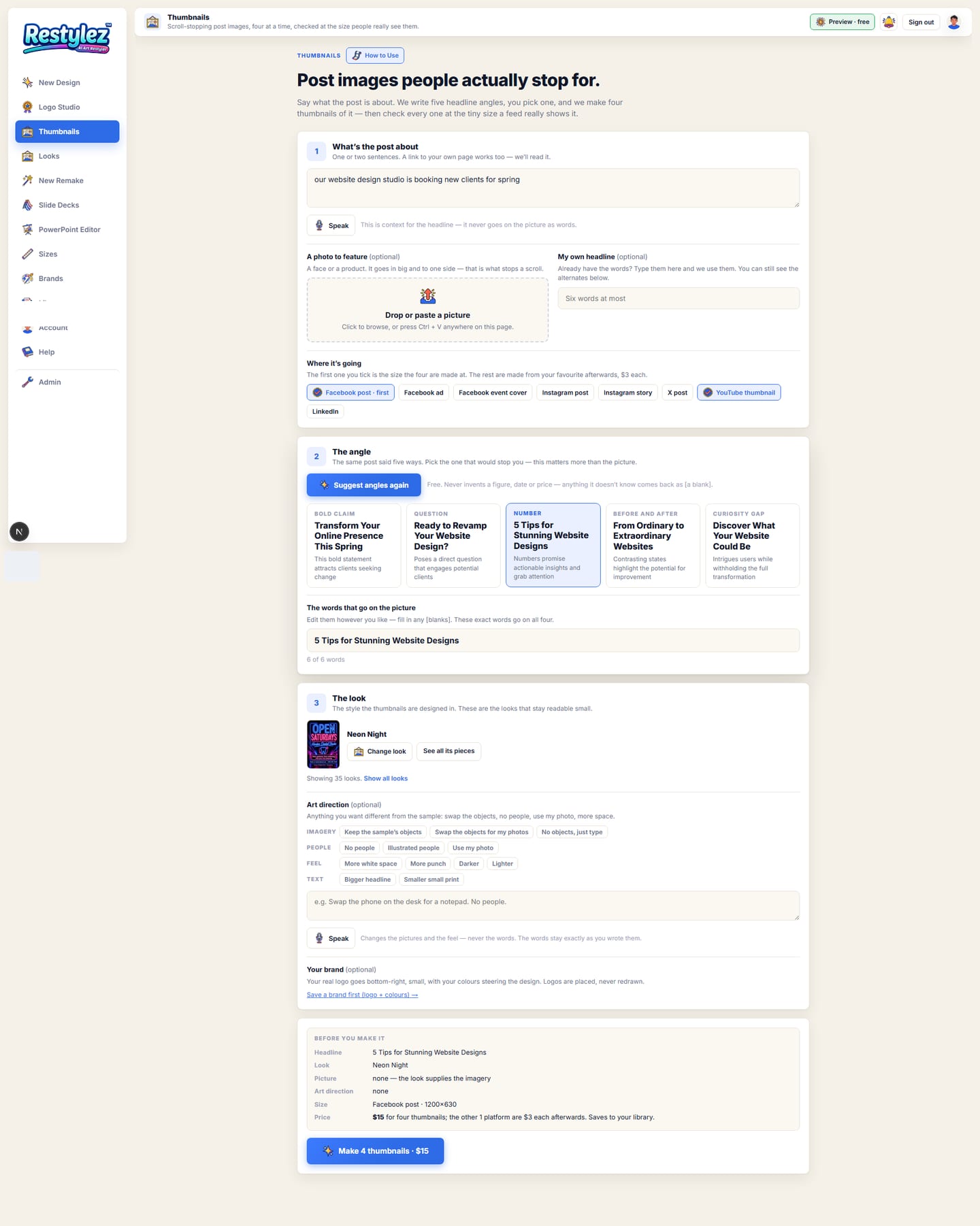
The whole screen · click to open full size 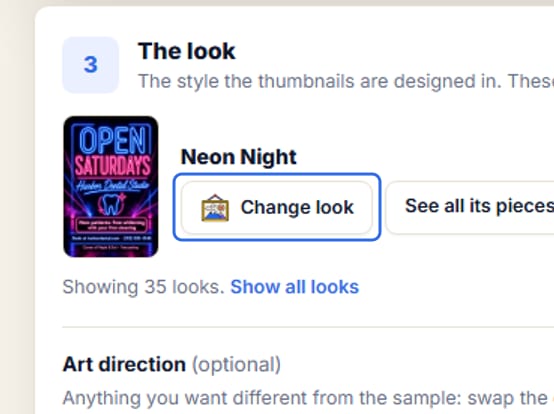
Close-up — the part to look at - 6Press “Make 4 thumbnails”
The card above the button lists the headline, the look, the picture, the art direction, the size and the price so you can check everything first. It takes about two minutes. All four use your headline word for word; only the layout changes — picture left, picture right, picture behind, and type only.
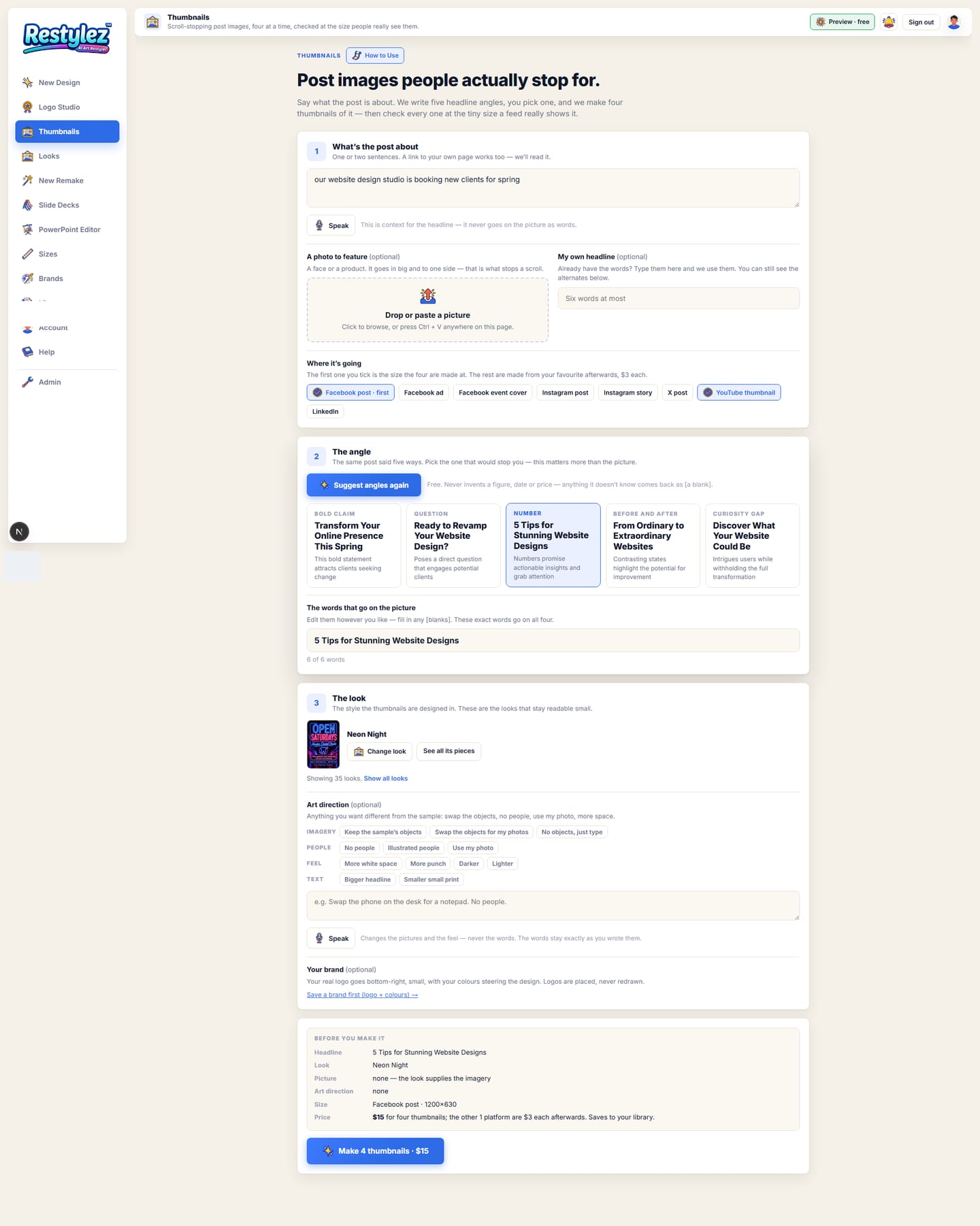
The whole screen · click to open full size 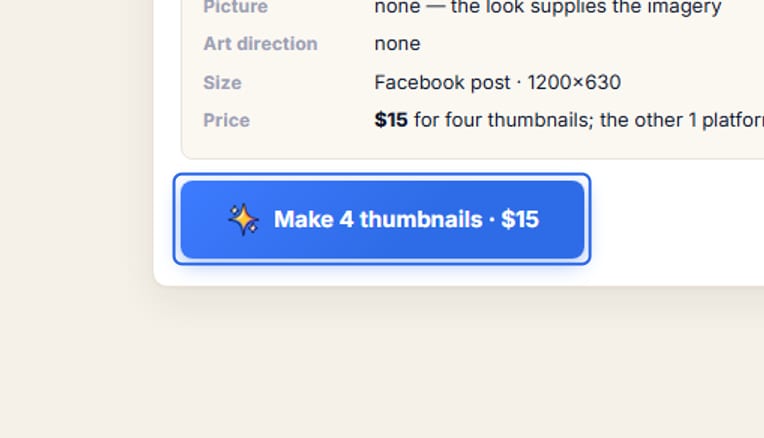
Close-up — the part to look at - 7Judge them at feed size
Results show at real feed size inside a phone-width frame, not full-bleed, so you see them the way your audience will. A line above them says what the small-size check found — how many of the four it flagged and repaired. Press “See it big” to fill the screen instead. Click one to pick it; Download saves any of them as a PNG.
The whole screen · click to open full size - 8Send your pick to the other sizes
“Make every size” takes the one you picked to the other platforms you ticked, $3 each. Everything is already in your Library, so Edit (fix it by sentence) and Sizes work on it like any other design.
The whole screen · click to open full size 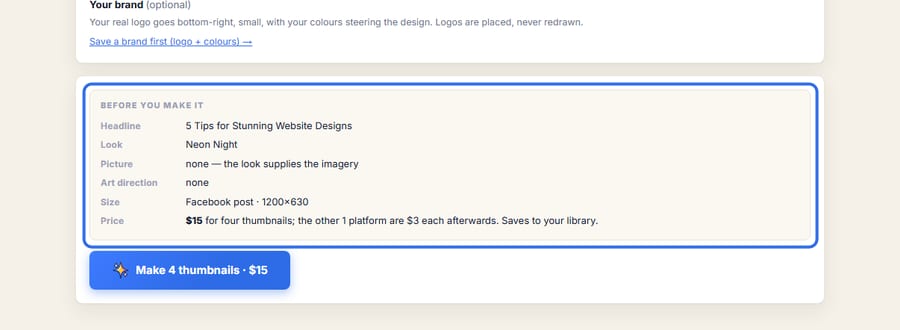
Close-up — the part to look at

- The angle matters more than the picture. Read all five before you pick — the one that makes you curious is usually the right one.
- Every finished thumbnail is shrunk to 320 pixels wide — the size a real feed shows it — and checked for one thing: is the headline instantly readable and is there one clear focal point? Anything flagged is repaired automatically before you ever see it.
- Each platform covers part of the picture with its own controls. YouTube prints the video length bottom-right and a progress bar along the bottom; a Facebook event cover drops the date badge over the lower-left; a cover has the profile picture in the corner. Restylez keeps those areas clear and checks them afterwards.
- A featured face goes in large and pushed to one side. That, plus six words at most, is what a thumbnail is.
- No small print — no web address, no phone number, no dates. Nobody can read them at that size, and they only weaken the headline.
- Already have your words? Type them in “My own headline” and skip the angle generator — the alternates are still there if you want to compare.

The messages the page can show, and what to do.
- “Say what the post is about (station 1).”
- The topic box is empty. Type a sentence or two, or paste a link to your own page.
- “Pick an angle, or write your own headline (station 2).”
- Press “Suggest angles” and click one of the five cards, or type your own words in “My own headline”.
- “A thumbnail headline is 6 words at most — trim it (station 2).”
- The counter under the headline box shows how many words you have. Cut it down; anything longer cannot be read at feed size.
- “Could not read that page. Type a sentence or two about the post instead.”
- The link needs a login, or loads its content some way we cannot read. Describe the post in your own words instead.
- “None of the four came back — nothing was charged.”
- The image service hit a snag on all four. Press the button again — a run that produces nothing is never charged.
- “… of the four didn’t come back — you were charged once for the run.”
- Some variations failed but the rest are yours. Run it again if you want the full four; the price is per run.
- “You’re out of credits. Add some to keep going.”
- Your balance can’t cover this piece. Add credits on the Account page — your work carries on from where you left off. Nothing was charged.